Client portal and CRM
Traders Cabinet & CRM For Your Clients
Simple, easy to use and highly functional. The Traders Cabinet gives your clients complete control and transparency, and gives your team one place to manage them.
- 50+ payment gateways
- KYC / AML verification
- IB & affiliate ready
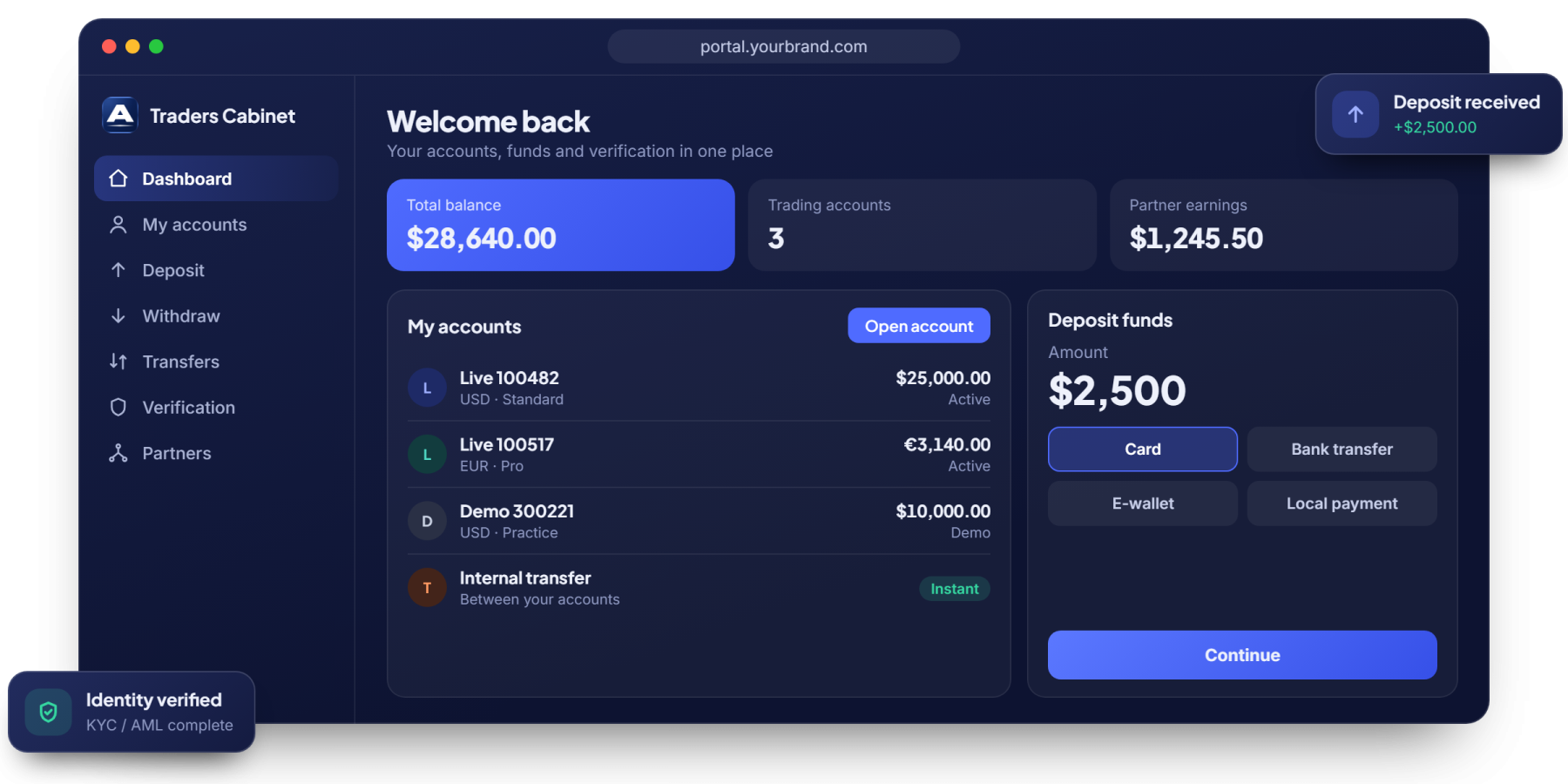
One place to open, fund and manage accounts
From first sign-up to daily account management, clients can do it all without contacting support.

Account opening
Multi-asset and multi-currency accounts, opened online in a few steps.

50+ payment gateways
Already integrated. We only need the API details from the providers you choose.

KYC / AML verification
Compliant identity checks with document upload and clear status for clients and staff.

Internal and external transfers
Move funds between accounts, or deposit and withdraw, from the same screen.

Profile and password management
Clients keep their own details and credentials up to date.

IB and affiliate structure
Partner-friendly tools help you grow through introducing brokers and affiliates.
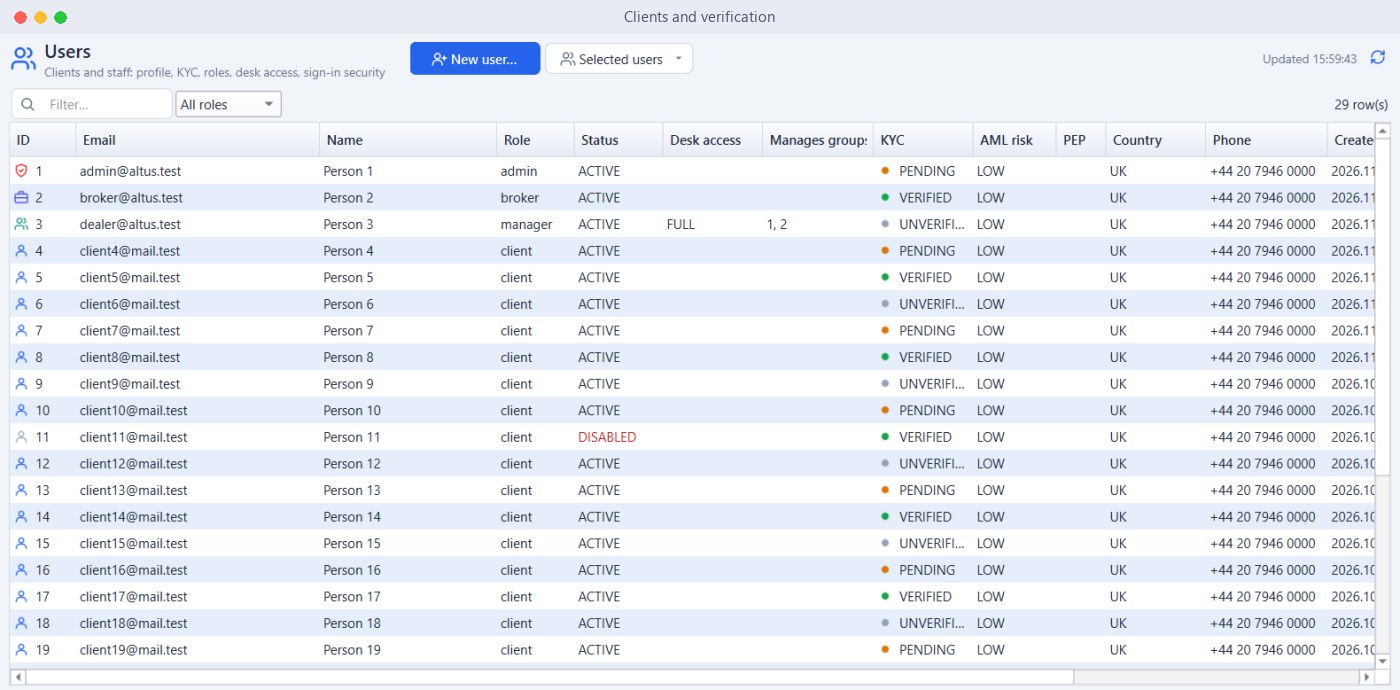
Every client and their status at a glance
See who is verified, who is pending and who needs attention, so your team works from one accurate list.
- Client Profiles and Contact Details
- KYC and AML Status
- Account Status Control
- Roles for Staff and Managers
- Country and Phone Records
- Search and Filters
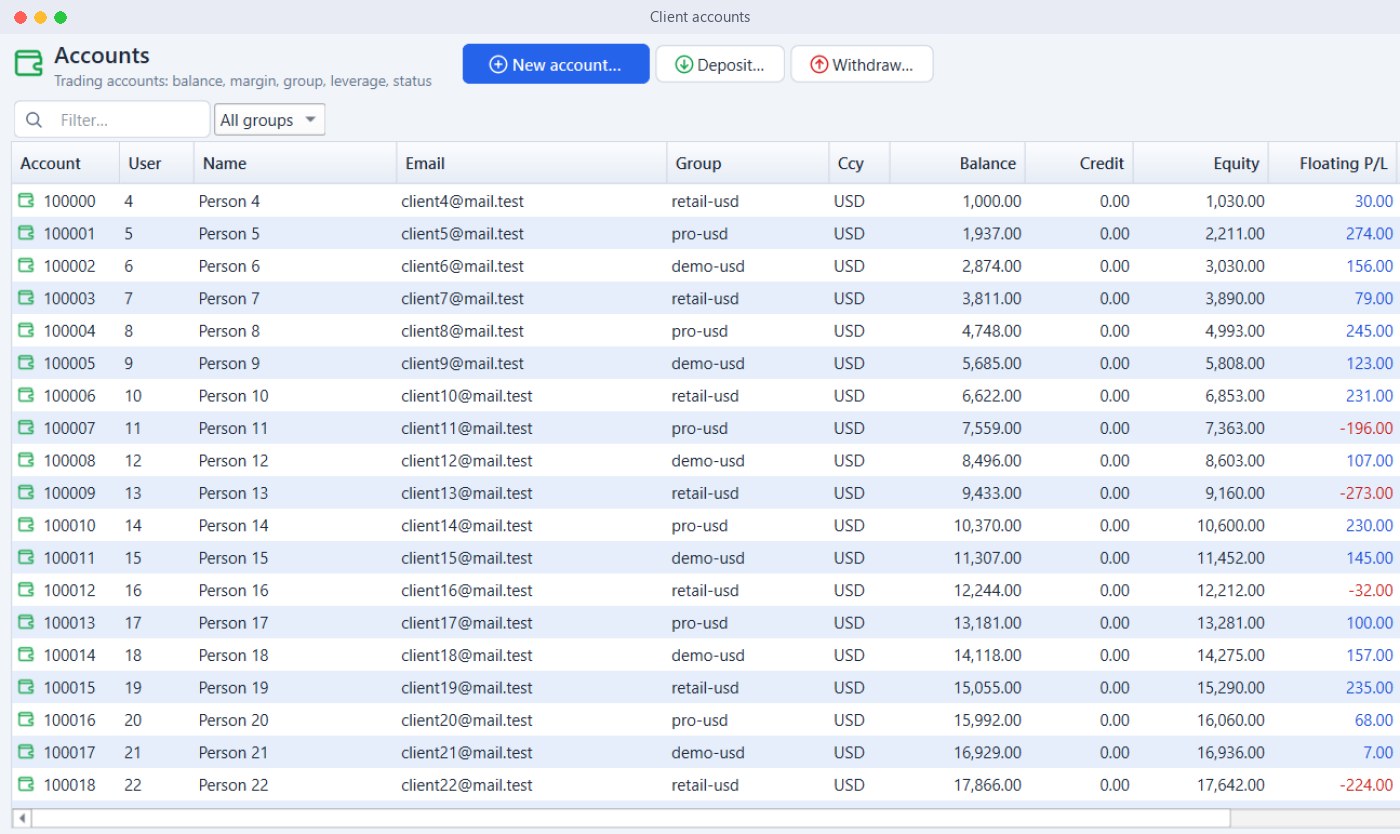
Balances and activity for every account
Every trading account sits in one view with its group and live balance, ready for your team to act on.
- Open New Accounts
- Deposits and Withdrawals
- Balance and Equity
- Floating Profit and Loss
- Account Groups
- Demo and Live Accounts
From sign-up to first trade
A clear path turns more of your sign-ups into funded, active clients.
1. Register
The client signs up on your branded portal and opens an account.
2. Verify
Documents are uploaded and checked through KYC / AML verification.
3. Fund
The client deposits using the payment methods you have connected.
4. Trade
The account is ready on web, Android and iOS.
Traders Cabinet questions
How do I accept payments from my clients?
The Traders Cabinet is already integrated with 50+ payment gateways. We just need your API details to get it working.
Can the portal carry my brand?
Yes. A Branded Trader’s Portal is included from the Basic plan upward.
Does it support introducing brokers?
Yes. The Traders Cabinet has an IB and affiliate-friendly structure.
Can clients hold accounts in different currencies?
Yes. Clients can open multi-asset and multi-currency accounts.
Give your clients a better experience
Book a free demo of the Traders Cabinet and CRM.